Introducing PBI Lineage Studio

Power BI models can become difficult to understand as they grow. A simple question such as “What will break if I change this measure or column?” can require searching through TMDL files, DAX expressions, relationships, and report definitions. Another question “What are the dependencies of this source, table, column?” This as well requires to manually dig deep into the report, taking hours to days to track the lineage.
That’s why we built PBI Lineage Studio - a free, open-source, portable Windows application for exploring dependencies in local Power BI PBIP and TMDL projects. It turns model metadata into interactive diagrams without requiring an XMLA connection or uploading your files.
Understand your model’s complete data flow
PBI Lineage Studio reads a local .SemanticModel, definition, or definition/tables folder and visualizes:
- Data sources, schemas, and source tables
- Model tables, columns, and partitions
- DAX measures and their dependencies
- Relationships between tables
- Report pages that use particular measures
This makes it possible to trace a path from the original data source, through the semantic model, and into the report pages that depend on it.
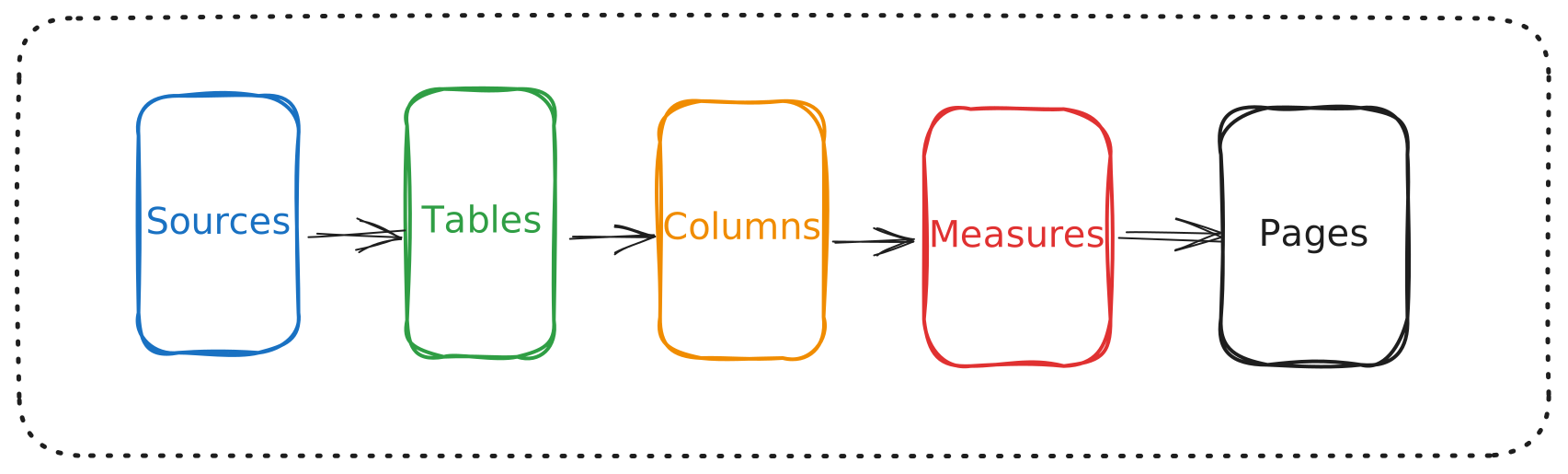
Trace upstream and downstream dependencies
Select any object to see its upstream inputs and downstream impact.
Hovering over an asset previews its complete lineage while dimming unrelated paths. Ctrl+click pins the highlighted path, and Ctrl+clicking additional highlighted objects progressively narrows the view to their shared lineage. This is useful when changing a source, refactoring a measure, removing a column, or investigating how several parts of a model are connected.
Data Flow and Data Model views
The Data Flow view shows where objects originate and where they are used. You can filter the canvas by sources, tables, columns, measures or report pages. The complete Data Flow canvas can also be exported to PNG, optionally including details about the selected asset. This is useful for documentation, impact analysis, and design reviews.
The Data Model view focuses on tables and their relationships. Search, zoom controls, model layout pages, the Model Explorer, and the Code Inspector help make larger projects easier to navigate.
Download and get started
PBI Lineage Studio runs as a single Windows executable:
- Download the latest release.
- Open
PBI Lineage Studio.exe. - Select your semantic-model folder.
- Choose Load model.
You can also register it as a Power BI Desktop external tool.
First-run notice: Being our first, light weight application, created for internal use, the current release is not yet digitally signed, so Microsoft Edge or Windows SmartScreen may identify it as an unrecognized application. Download it only from the official GitHub Releases page. After confirming the source, use Keep anyway in Edge or More info → Run anyway in Windows.
PBI Lineage Studio v0.2.5 is available now under the MIT License.
If you work with PBIP or TMDL projects, give it a try—and let us know which lineage capabilities you would like to see next.
At Rare Data Labs, we work towards building a sustainable and complete data strategy and data products including data engineering, data analytics, business intelligence. Let’s talk about how we can help you. Get in touch with us.